Direct answer
What security should accomplish here
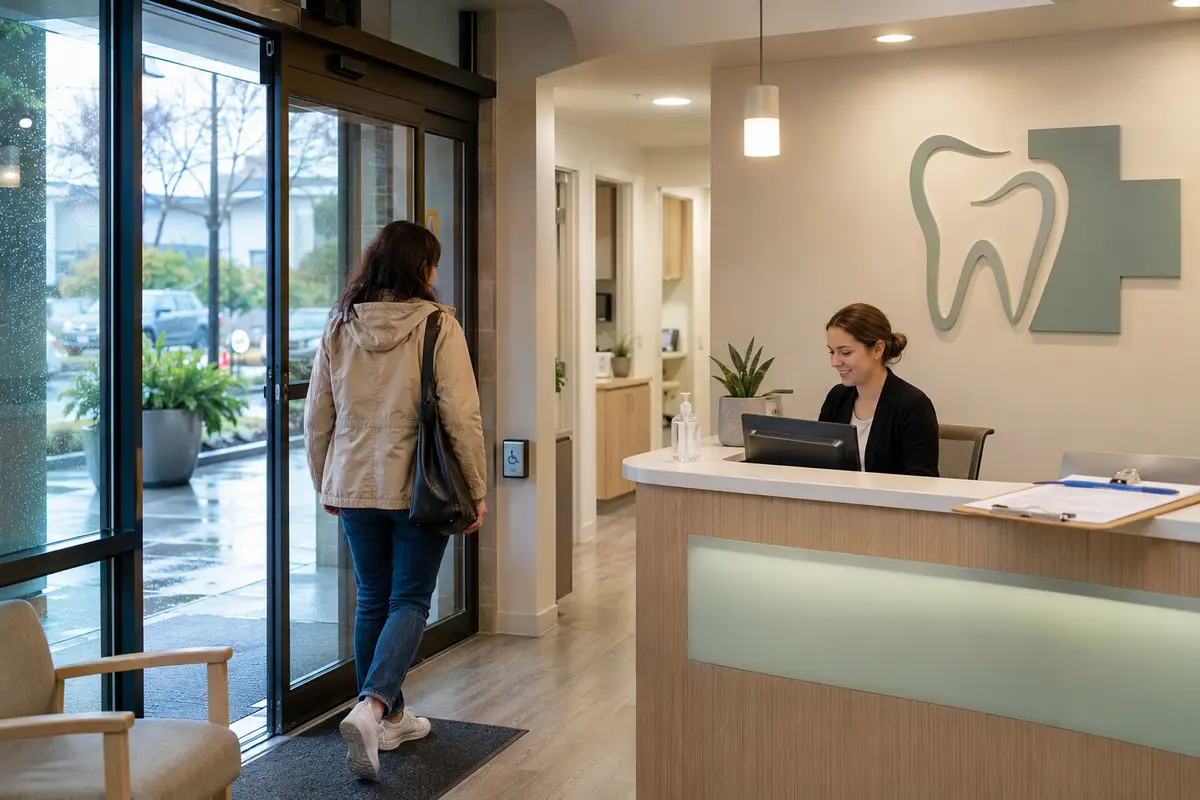
A clinic-security plan typically separates reception and public circulation from staff, records, storage and service areas. Managed access, intrusion detection, carefully limited camera views and coordinated automatic entry can improve control while the organization retains responsibility for its privacy and regulatory policies.
Properties and teams we can support
What WeTech can secure
Reception and controlled entry
Manage staff, patient, delivery and after-hours entry without complicating the arrival experience.
Medication, records and equipment
Restrict approved rooms and storage by role, schedule and individual credential.
Staff and service areas
Separate clinical, office, utility and public routes where the property and workflow require it.
Appropriate common-area video
Use cameras only where there is a clear security purpose, avoiding treatment and other sensitive spaces.
Priority risks and workflows to review
- Accessible patient and visitor entry
- Public, staff and restricted-area separation
- Records, medication, equipment and storage
- Privacy-aware camera placement
- Opening, closing and duress-response planning
Security systems that can work together
Controlled staff areas
Limit records, storage, staff and other approved doors by credential and schedule.
Explore service →Automatic entry
Coordinate operators, activation devices and controlled locking for a practical accessible entrance.
Explore service →Alarm protection
Plan perimeter, interior and approved duress functions around the clinic’s response procedures.
Explore service →Purpose-limited CCTV
Use cameras only where a clear security purpose, viewing role and retention plan exist.
Explore service →What the finished system can help you do
- Separate public and staff-only areas
- Remove access promptly when roles change
- Protect records, medication and valuable equipment
- Verify after-hours visitors or deliveries
- Support accessible entry with coordinated door hardware
Retrofit, takeover or expansion
Start with what is already installed
Clinic work can often be staged outside patient hours. WeTech reviews existing door hardware, alarm zones, cameras, cabling and landlord systems before proposing a discreet upgrade.
Explore system takeovers and upgrades →Vancouver and Lower Mainland planning considerations
Patient, employee and visitor privacy
Sensitive rooms where cameras are inappropriate
Landlord and base-building interfaces
Accessible entrance and automatic-door sequencing
BC privacy note: When a strata, business or organization uses video surveillance, it should define a reasonable purpose, camera locations, authorized access and retention. The organization remains responsible for its policy and legal review. Read the Office of the Information and Privacy Commissioner guidance →
What We Review During Your Site Assessment
- 01
Which areas are public, staff-only or further restricted?
- 02
How should patients with mobility needs enter after the door unlocks?
- 03
Where would a camera create an unnecessary privacy concern?
- 04
Who opens, closes and responds to alarms or duress events?
- 05
Which records, medication or equipment areas need individual access history?
Relevant WeTech proof