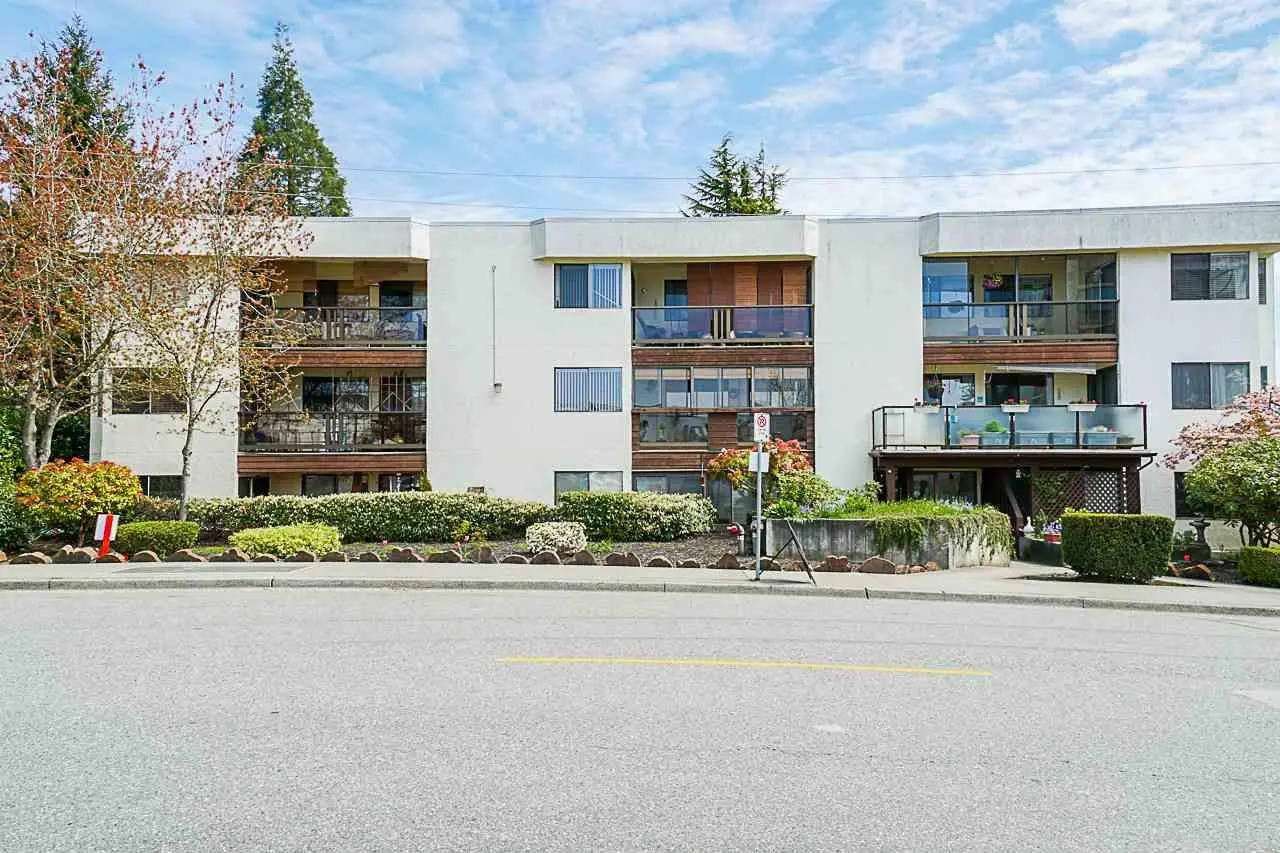
If a strata or commercial building no longer wants to manage shared entrances with mechanical keys, electronic access control is the practical replacement. WeTech installs systems that let authorized managers add, change or revoke access without rekeying the building, using fobs, cards, mobile apps, BLE, NFC, compatible Apple Wallet credentials and other approved methods.
A practical system starts with the site
WeTech reviews the entrances, existing equipment, wiring, user needs and management workflow before defining the final scope. The selected hardware and features are matched to the property instead of forcing every building into the same package.
What the plan can address
Central credential management
Fast revocation of lost credentials
Door- and schedule-based permissions
Mobile and physical access options
Event history where configured
Complete service guide
What property owners and managers should know
Mobile-first entry
Open the right door with the credential that fits.
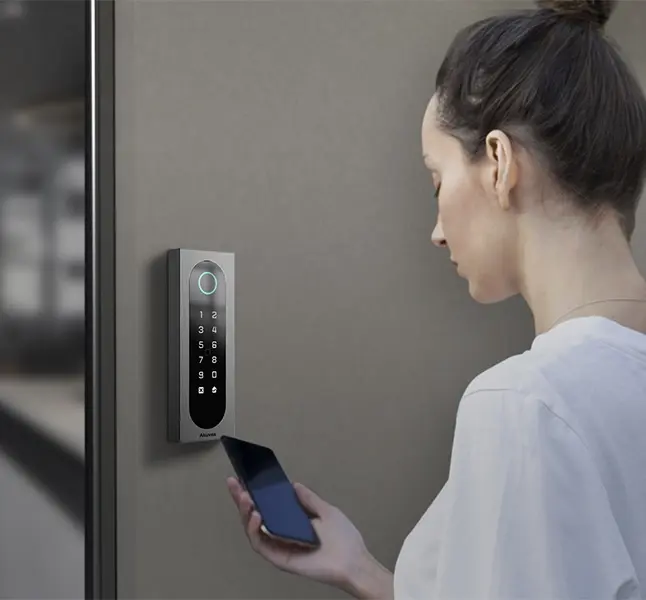
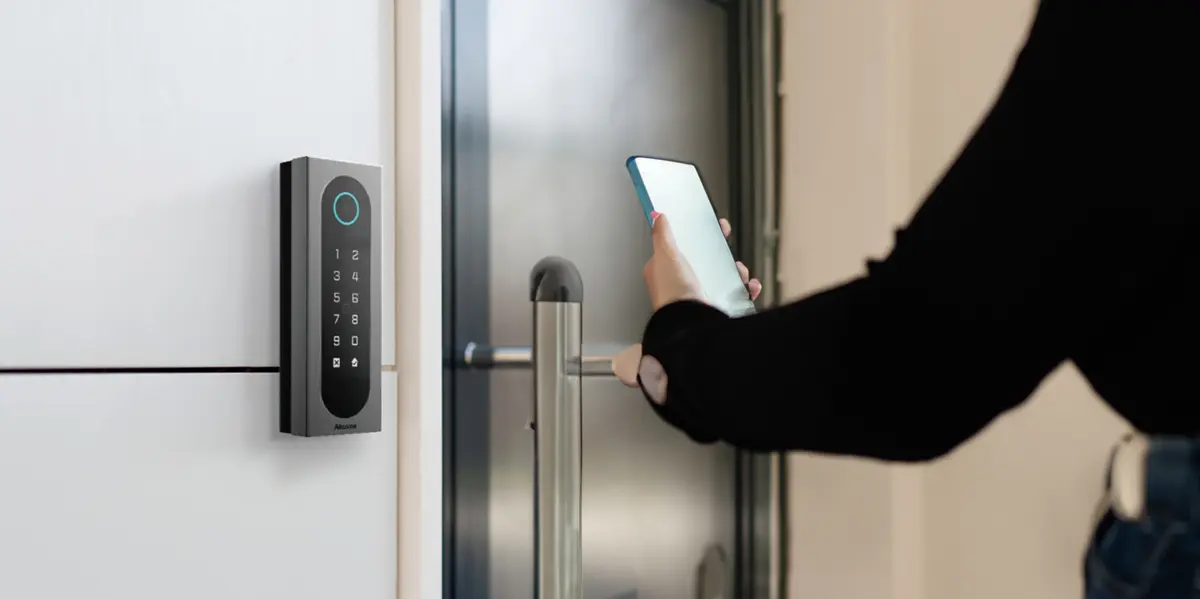
A compatible access-control system can give residents, staff and authorized contractors convenient phone access while keeping physical credentials available for backup and accessibility.
Mobile app or BLE unlock where supported
NFC or compatible wallet tap
Fob and card options can remain available
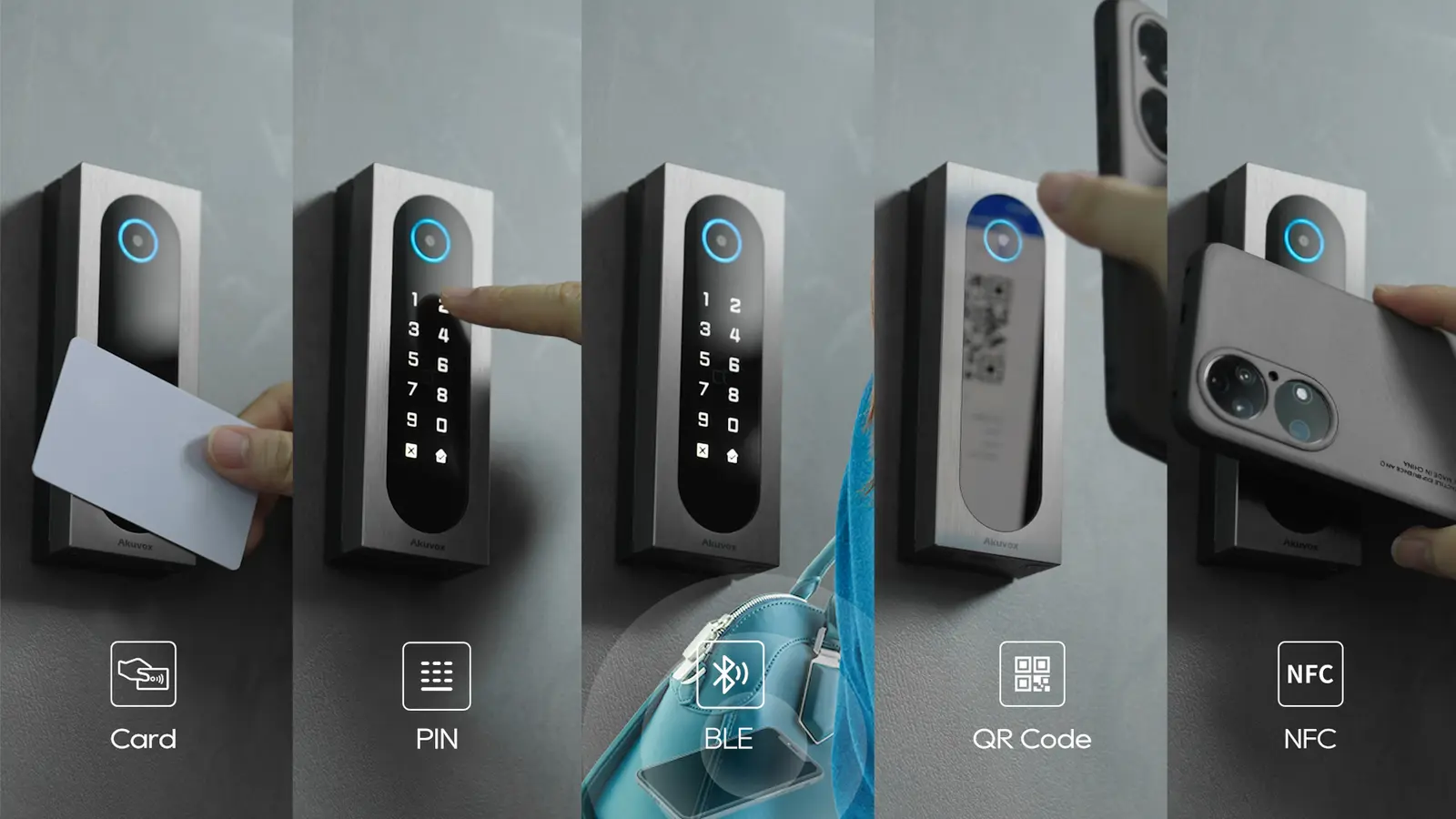
Flexible credential choicesCard, PIN, BLE, QR code and NFC can work together according to the selected platform and building policy.
Why access control is better than keys for shared doors
A copied, lost or unreturned mechanical key cannot be cancelled. A managed credential can be disabled in seconds, limited to selected doors, assigned a schedule and recorded when it is accepted or denied. Other residents or employees keep their access, so management does not need to rekey everyone after one loss.
Mechanical keys still belong in an emergency and maintenance plan. The goal is not to remove every cylinder; it is to stop everyday shared access from depending on credentials that cannot be managed.
One system with mobile access and a fob backup
Residents and staff do not need to choose one method for the entire property. A compatible system can offer mobile, NFC or wallet convenience while retaining fobs for users who prefer them, visitors who need a temporary credential, or situations where a phone is unavailable.
RFID key fob or access card
Mobile-app unlock
Bluetooth Low Energy (BLE) hands-free or wave-to-unlock on supported readers
NFC tap credential
Apple Wallet credential on a compatible iPhone or Apple Watch
Google Wallet on supported commercial platforms
PIN for approved doors
Temporary QR code or mobile guest pass
UHF windshield credential for vehicle gates
Licence plate as a credential on supported LPR systems
Optional biometric verification after privacy review
Unlock the Door with Apple Wallet
Your building access credential can be added directly to Apple Wallet on a compatible iPhone or Apple Watch. When you arrive, simply hold your device near the access control reader—just like tapping a key fob—and the door unlocks once your credential is verified.
There is no need to search for a physical fob or open an app. It gives residents and authorized staff a fast, convenient way to enter the building while management keeps full control over which doors and areas each person can access. Apple Wallet access is available with compatible readers and supported credentials.
Permissions for strata, rental and commercial properties
A resident can receive the main entrance, their building, parkade lobby, assigned elevator floor and approved amenities. A cleaner can receive weekday access between selected hours. A contractor can receive one door for one day. Commercial staff can be grouped by location, department, shift or role.
Good administration uses access groups rather than one-off exceptions. We help define a small number of understandable groups, holiday schedules and approval rules so the database remains manageable after handover.
Doors, gates, elevators and amenities
Access control can operate electric strikes, magnetic locks, electrified panic hardware, selected wireless locks, parkade gates, elevator floor relays, gyms, pools, bicycle rooms, storage areas, offices and restricted service spaces. Automatic door operators can be sequenced so the credential first releases the lock and then opens the door.
The complete opening includes the reader, controller, secure power supply and battery, locking hardware, door contact, request-to-exit device, protected cable, network and software. Exiting and life-safety behaviour must remain compliant.
Cloud-managed, onsite or hybrid access control
Cloud platforms can simplify mobile credentials, remote administration, multi-site management, automatic updates and integrations. Onsite systems may better match a property's ownership, connectivity, subscription or data-control requirements. Hybrid architectures can keep local door decisions while using hosted management.
We explain recurring fees, licensing, internet dependencies, offline door behaviour, administrator security, backups, vendor lock-in and data export before the property selects a platform.
Audit trails, alarms and video verification
Compatible systems log access granted, access denied, door forced open and door held open. Access events can be associated with CCTV footage, allowing an authorized operator to review visual context around a credential event.
A log identifies the credential that was presented; it does not prove who carried a shared fob. Stronger accountability comes from individual credentials, anti-passback or two-factor rules where appropriate, and a policy that discourages sharing.
What happens during power or internet failure?
The answer depends on the lock, controller and network design. A local controller may continue making door decisions from its stored database when cloud connectivity is interrupted. Battery backup can support controllers and lock power for a defined period. Fail-safe and fail-secure locking choices must follow the door's life-safety function and approved design.
We document expected offline behaviour, battery scope, manual-key procedures and who receives system trouble notifications.
Upgrade or take over an existing fob system
We assess the controllers, readers, locks, credentials, wiring, enclosures, power supplies, software, licensing and available administrator access. Some systems can be expanded or migrated in phases; others are obsolete, proprietary or unsupported.
Suitable locking hardware and cable may be retained after testing. A takeover should leave the owner with current administrator access, a door list, credential process, backups and a clear support path.
Systems and brands
Equipment selected for the project
We install, integrate or assess Keyscan, Kantech, RBH Access, ICT Protege/InAxsys, CDVI, HID, Avigilon Alta/Openpath, Brivo, LenelS2, Gallagher, Genetec Synergis, Paxton, Axis, Honeywell, Bosch, Suprema, Salto, dormakaba, ASSA ABLOY, Schlage, RCI, Camden, Rosslare, SecuraKey and Viscount systems. Brand selection follows the required credential experience, cyber posture, door count, integrations, ownership and lifecycle cost.
For shared or frequently changing access, it is easier to manage because a credential can be cancelled or limited without rekeying every user. Mechanical keys can remain for approved emergency and maintenance use.
Can residents use both a phone and a fob?+
Yes. Compatible systems can support mobile, BLE, NFC, Apple Wallet and physical fobs together.
Is Apple Wallet access the same as Apple Pay?+
No. Apple Wallet can hold a compatible building credential. Apple Pay is a payment service.
What happens when a fob is lost?+
An authorized administrator disables that credential and issues a replacement. Other users keep their existing access.
Can one credential work at doors, gates and elevators?+
Often, yes. The same identity can receive permissions across compatible doors, gate controllers and elevator interfaces.
Will the doors work if the internet is down?+
Many properly designed systems continue local door decisions, but mobile or remote functions may be affected. The exact offline behaviour is documented for the selected platform.
What affects the cost of an intercom, access-control or CCTV upgrade?+
Cost depends on the number and condition of entrances, devices, wiring, locks, gates, cameras and required integrations. Building size, resident transition, access methods and installation conditions also matter. A site assessment is the most reliable way to determine what can be reused and what the final scope should include.
What is the difference between a fob, NFC, BLE and mobile access?+
A fob is a dedicated physical credential. NFC is a short-range tap-style method, while BLE can support phone-based access over Bluetooth at a configured range. Mobile access uses an approved app or digital credential. Availability and behaviour depend on the reader, software and building configuration selected for the project.
Can existing fobs be retained during an access-control upgrade?+
Sometimes. Existing fobs can remain only when their technology and security are compatible with the new readers and management platform. In other projects, a planned credential transition is safer and easier to manage. WeTech reviews the current fob type, database and resident rollout requirements before recommending an approach.
Can residents use an iPhone or Apple Watch for building access?+
Yes, when the selected access-control reader and platform support compatible mobile-wallet credentials. An iPhone or Apple Watch can then be presented at the reader instead of a physical fob. Fobs and other approved credentials can remain available for residents who prefer them.