WeTech installs and upgrades intrusion alarms for offices, retail stores, restaurants, warehouses, strata common areas and selected residential properties across Vancouver and the Lower Mainland. The system is designed in layers: perimeter detection, interior detection, deliberate panic signals, reliable communications, backup power and a written response plan.
A practical system starts with the site
WeTech reviews the entrances, existing equipment, wiring, user needs and management workflow before defining the final scope. The selected hardware and features are matched to the property instead of forcing every building into the same package.
What the plan can address
Site-specific intrusion detection
Entry-point and interior protection
Straightforward staff operation
Expandable system planning
Professional installation and support
Complete service guide
What property owners and managers should know
Alarm control, anywhere
Know the system’s status before you act.
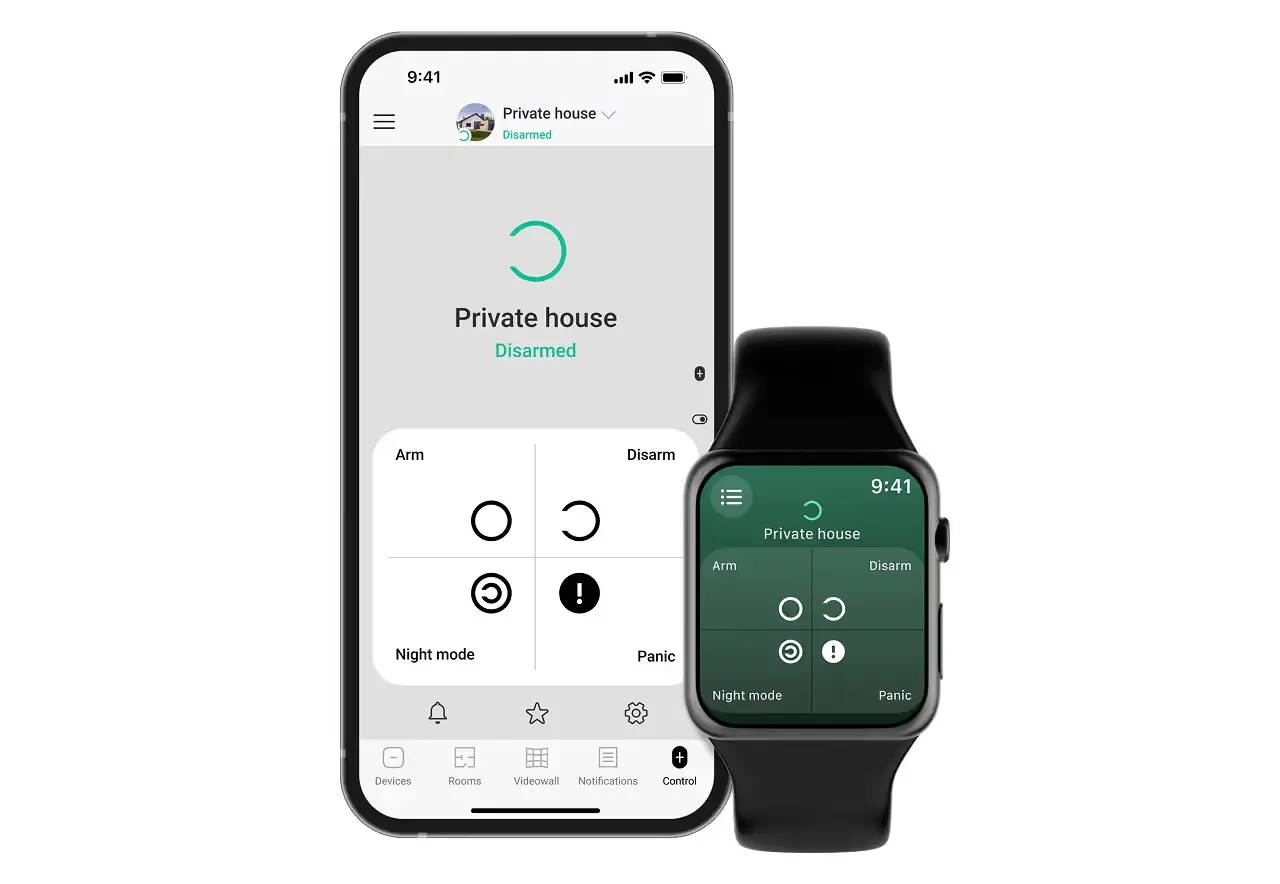
On compatible platforms, authorized users can arm or disarm approved partitions, check status and receive alarm or trouble notifications through the mobile app. Wearable controls depend on the selected platform and configuration.
Arm, disarm and review system status
User permissions by property or partition
Configured alarm and trouble alerts
Layered protection
A complete alarm is more than one control panel.
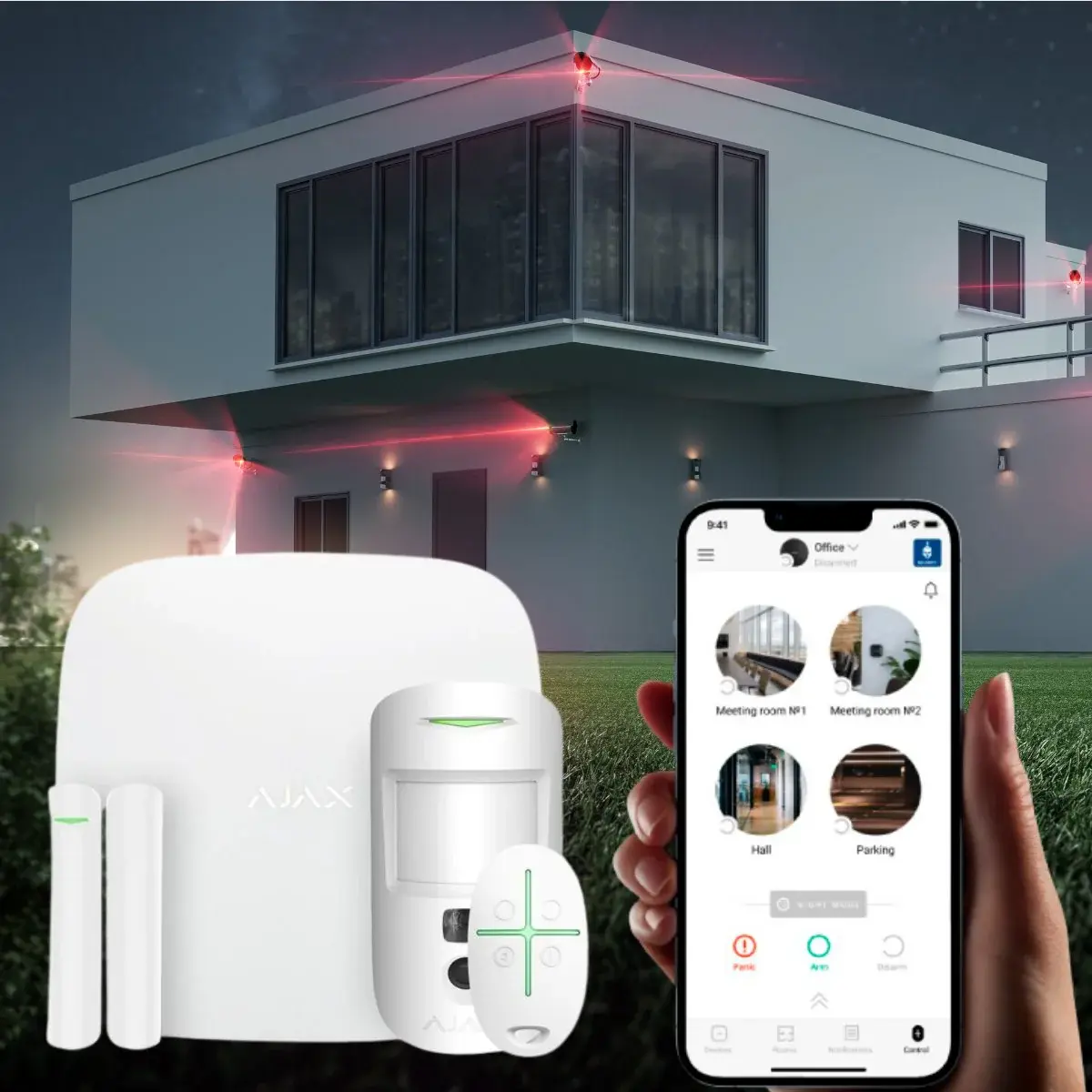
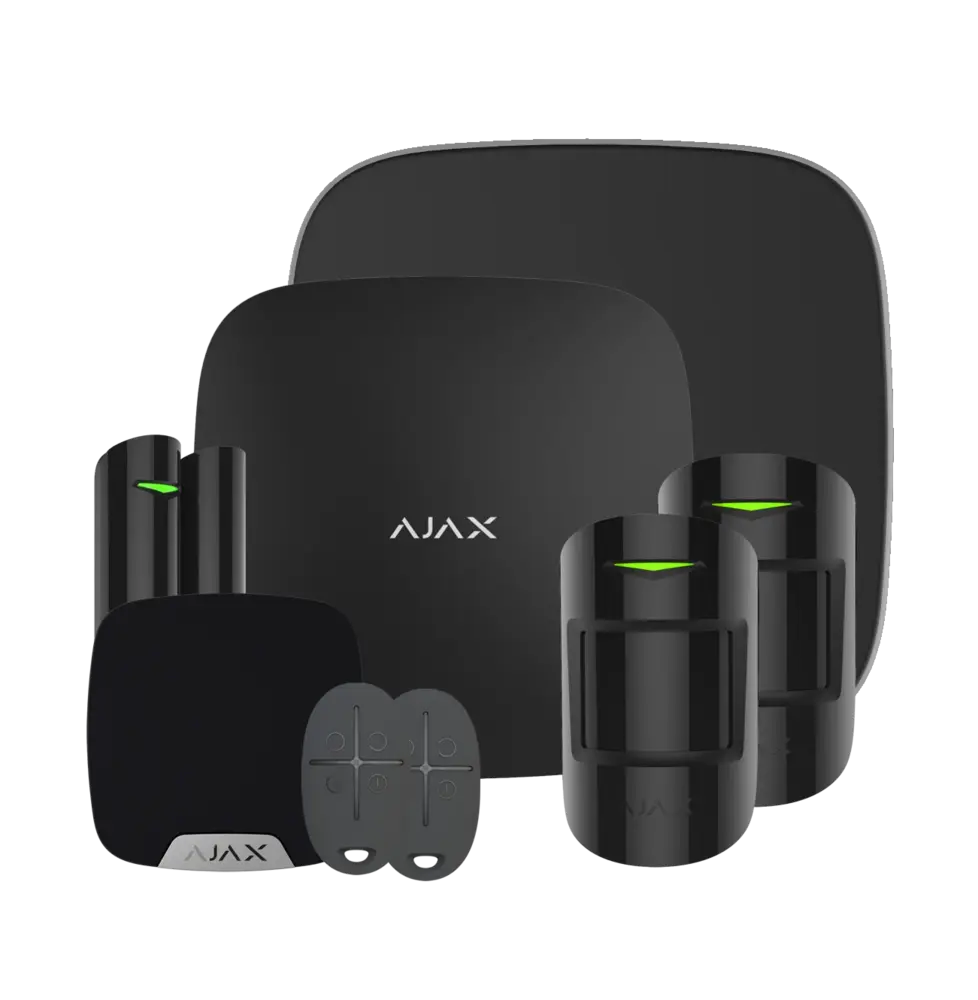
The system can combine a supervised hub or hybrid panel with door contacts, motion detectors, panic devices, sirens, communication paths and standby power. WeTech selects each layer around the property’s risks and daily workflow.
Perimeter door and window detection
Interior motion detection and panic options
IP or cellular communication with backup power
Wired, wireless or hybrid: which alarm is right?
Wired devices are a strong choice where suitable cable exists and can reduce battery maintenance. Professional wireless devices reduce disruption in finished spaces and make future expansion easier. A hybrid panel combines reusable wired zones with modern wireless sensors, app control and communications—often the most practical upgrade for an occupied business or older building.
The proposal identifies which existing devices and cables are tested for reuse, which are replaced and where wireless coverage needs repeaters or a different device location.
Intrusion detection devices
Door and window contacts
Indoor motion detectors
Pet-immune motion where appropriate
Glass-break and shock detection
Outdoor, curtain or beam detection
Panic, hold-up and duress buttons
Sirens, keypads and status indicators
Smoke, carbon-monoxide, temperature and water sensors where supported
Wireless key fobs for approved users
Relays and integration modules for selected building functions
Partitions, schedules and user permissions
A commercial alarm can separate a storefront, office, warehouse, stock room or individual tenant into partitions. Authorized users receive only the areas they need. Opening and closing schedules can identify an early disarm, a late close or a protected area left unarmed.
Individual codes improve accountability. Shared codes should be avoided because the event log cannot distinguish who used them.
Mobile app control and notifications
Compatible systems allow authorized users to arm, disarm, check status, manage users and receive alarms or trouble notifications from a phone. Some platforms support photo verification from motion detectors, helping authorized responders understand what caused an event without providing continuous video surveillance inside every room.
Remote convenience does not replace the response plan. The business should define who receives each event, who verifies after hours and when monitoring or emergency services are contacted.
Alarm verification and fewer false alarms
False alarms often come from loose contacts, poor detector placement, moving objects, insects, user error, outdated call lists or neglected batteries. We name zones clearly, set appropriate entry and exit delays, test detection patterns, train users and recommend periodic maintenance.
Video or photo verification can add context when supported. In the City of Vancouver, alarm users must obtain and renew a security-alarm permit; properties in other municipalities should confirm their local requirements.
Communication paths and backup power
An alarm needs a dependable way to report. Depending on the platform and monitoring plan, communication may use Ethernet, Wi-Fi, cellular LTE or multiple paths. Ajax hubs, for example, are available with Ethernet and LTE options, while professional hybrid panels can use compatible IP and cellular communicators.
The control panel and communicator require standby batteries. The design identifies expected backup, low-battery supervision and what happens when one communication path fails.
Monitoring, self-notification and response
Professional monitoring can receive alarm, panic, supervisory and trouble signals and follow the approved call list. Self-notification sends events to selected users but depends on someone seeing and acting on the alert. The correct choice depends on risk, insurance, operating hours and the property's response resources.
Fire-alarm and ULC-certified monitoring are separate regulated scopes and are not represented as ordinary intrusion alarm work.
Integrate alarms with CCTV and access control
A forced door, after-hours access event or intrusion zone can trigger compatible camera bookmarks, notifications or higher recording profiles. Access-control status can help avoid alarms when an authorized opening occurs, while alarm partitions can follow approved schedules.
Integration should simplify investigation without creating one failure point for every system. We document which events cross between platforms and test them during handover.
Cloverdale project proof: Ajax self-monitoring at DRIVE Basketball
WeTech installed an Ajax alarm system with the Hikvision CCTV system at DRIVE Basketball in Cloverdale. The configured app-based self-monitoring gives authorized users system status and notifications without a monthly professional-monitoring fee.
Self-monitoring means the site team is responsible for seeing alerts and following its response plan. Professional monitoring can still be considered separately if the property's risk or insurance requirements change.
Alarm upgrades and takeover planning
We inspect the existing panel, zones, wiring, devices, communicator, battery, programming access and monitoring ownership. A hybrid upgrade can preserve sound wired devices while replacing the obsolete control and adding modern wireless coverage.
WeTech serves small businesses and larger commercial properties across Vancouver, Surrey, Burnaby, Richmond, New Westminster, Coquitlam, Langley, Delta, White Rock and nearby Lower Mainland communities.
Systems and brands
Equipment selected for the project
We install or assess Ajax Systems, DSC PowerSeries Neo and Pro, Qolsys, Honeywell/Resideo, Bosch, DMP, Napco, Paradox, Texecom, Alarm.com-compatible platforms, Telguard, Alula, Interlogix/GE legacy systems and selected commercial intrusion products. Final selection depends on device range, monitoring compatibility, communication paths, existing wiring, cyber requirements and lifecycle support.
Wired is excellent when suitable cable exists; professional wireless reduces disruption and makes expansion easier. Hybrid systems combine both and are often the best retrofit choice.
Can I control a commercial alarm from my phone?+
Yes, on compatible platforms. Authorized users can arm, disarm, review status and receive alerts according to their permissions.
Does an alarm need monitoring?+
Not every system must be professionally monitored, but monitoring provides a defined response path when no one is watching an app. Insurance or risk requirements may influence the choice.
Can old alarm wiring and sensors be reused?+
Often, after testing. Cable condition, resistance, end-of-line supervision, device type and compatibility determine what can remain.
Do businesses in Vancouver need an alarm permit?+
The City of Vancouver requires a security-alarm permit and annual renewal. Other municipalities may have different rules, so the property should confirm its local requirement.
Can an alarm show a photo when motion is detected?+
Selected systems support photo verification through compatible motion detectors. It is model-, plan- and configuration-dependent.
WeTech installs video intercoms, access control, CCTV, alarm systems, gate and parkade access, elevator access control and automatic door operators. We work with strata, apartment, multi-residential and commercial properties. The right combination depends on the building, existing infrastructure and the people who need to use and manage the system.
How do we know which security systems our property needs?+
Start with the problems you are trying to solve—not a product list. A site assessment reviews entrances, visitor flow, existing wiring, keys or fobs, cameras, gates and management needs. WeTech then identifies whether intercom, access control, CCTV, alarms or an integrated combination is appropriate for the property.
What happens during a building security site assessment?+
We review the property’s entrances, existing equipment, wiring, user groups and management requirements. We also discuss what is working, what is failing and what residents or staff need from the upgrade. The result is a practical set of options, important limitations and a clearer scope for proposal and budgeting.
Can a building security upgrade be completed in phases?+
Often, yes. A phased approach can begin with the highest-priority entrances or the system that is creating the most risk. The design should still consider future doors, gates, elevators and management needs from the beginning so each phase supports the larger plan instead of creating another disconnected system.