Direct answer
What security should accomplish here
An office-security plan normally combines managed staff credentials, visitor entry, intrusion detection and purposeful CCTV. Multi-tenant buildings may also need separate lobby, suite, parkade and elevator permissions so building management and individual businesses retain the correct level of control.
Properties and teams we can support
What WeTech can secure
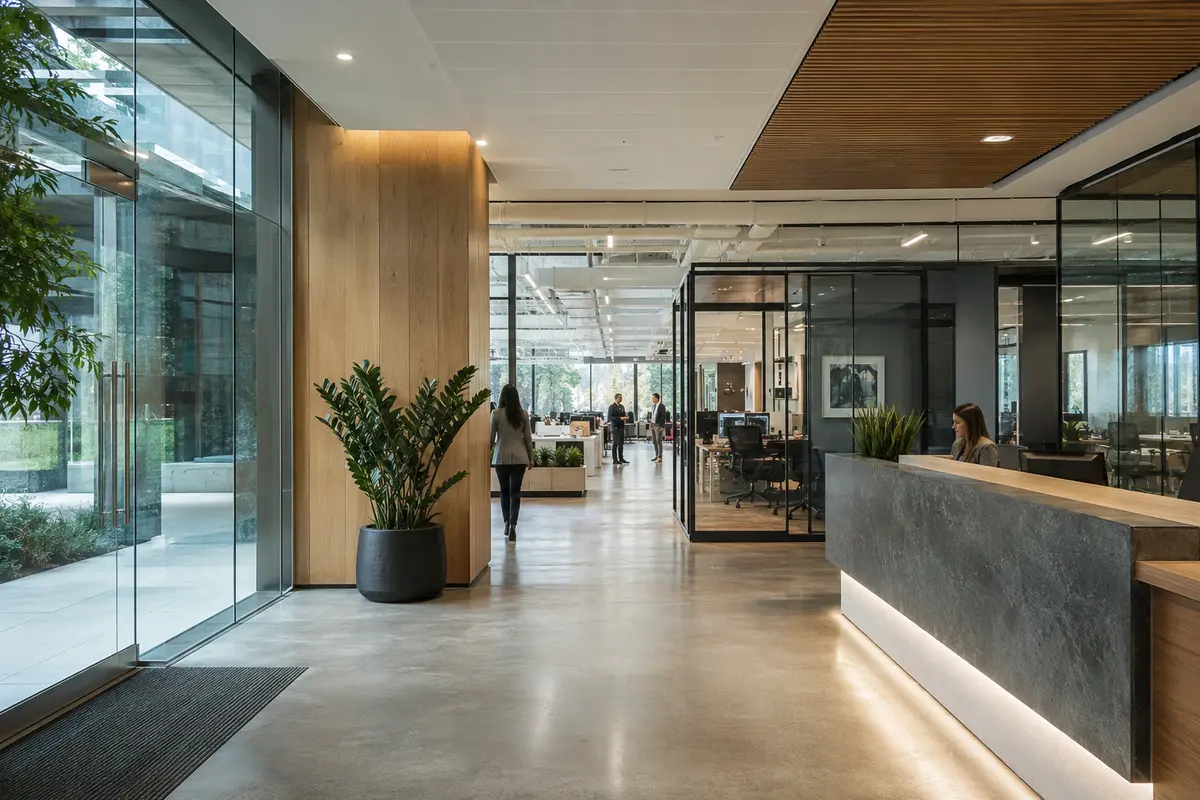
Lobby and visitor entry
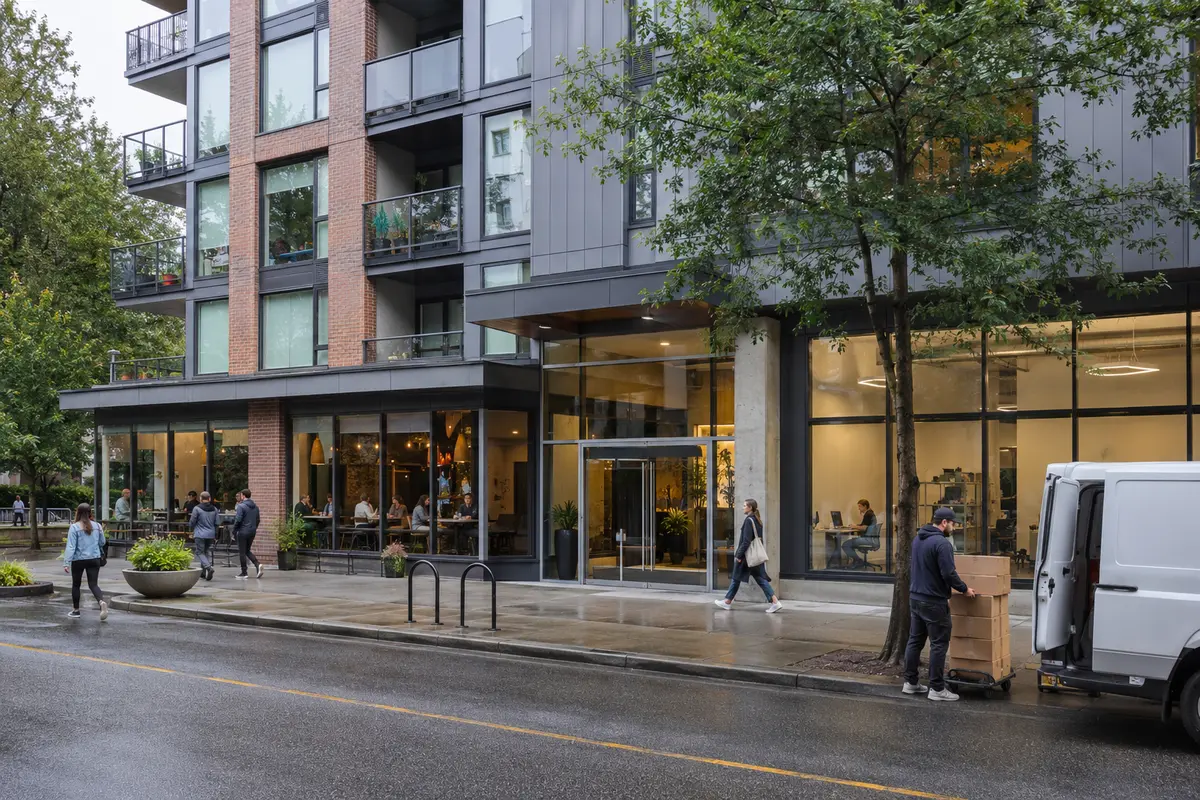
Route visitors to reception or the correct tenant while keeping after-hours entrances controlled.
Staff and restricted doors
Assign individual access to suites, floors, server rooms, records, storage and management areas.
After-hours intrusion
Protect perimeter and interior zones around opening, closing and authorized after-hours work.
Entrance and operational CCTV
Place cameras where they answer legitimate questions about entrances, reception, loading and sensitive assets.
Priority risks and workflows to review
- Employee onboarding and immediate offboarding
- Visitor, delivery and contractor entry
- Suite, floor, parkade and after-hours permissions
- Alarm opening and closing procedures
- Camera evidence at entrances and sensitive operational areas
Security systems that can work together
Staff access control
Assign individual mobile or physical credentials to approved doors, floors and schedules.
Explore service →Visitor intercom
Route visitors to reception, tenants or approved staff without sharing unrestricted building access.
Explore service →Office alarm
Protect perimeter and interior zones with clear user and notification procedures.
Explore service →CCTV
Design entrance, reception, loading and other justified views around the evidence the business needs.
Explore service →What the finished system can help you do
- Issue and cancel employee credentials quickly
- Separate landlord, tenant and contractor permissions
- Control doors and floors by schedule
- Verify visitors when reception is unavailable
- Review access and video events through authorized accounts
Retrofit, takeover or expansion
Start with what is already installed
Office upgrades can often be added to existing tenant doors or base-building systems. WeTech reviews landlord interfaces, door hardware, cabling, administrator access and expansion capacity before defining the work.
Explore system takeovers and upgrades →Vancouver and Lower Mainland planning considerations
Base-building versus tenant responsibilities
Employee privacy and a reasonable surveillance purpose
Elevator and parkade coordination
Accessible entry and automatic-door sequencing
BC privacy note: When a strata, business or organization uses video surveillance, it should define a reasonable purpose, camera locations, authorized access and retention. The organization remains responsible for its policy and legal review. Read the Office of the Information and Privacy Commissioner guidance →
What We Review During Your Site Assessment
- 01
Are building and tenant access administered separately?
- 02
Which employees need after-hours, floor or server-room permissions?
- 03
How are visitors and deliveries received when reception is unavailable?
- 04
Who opens, closes and responds to alarms?
- 05
What footage may authorized staff view or export?