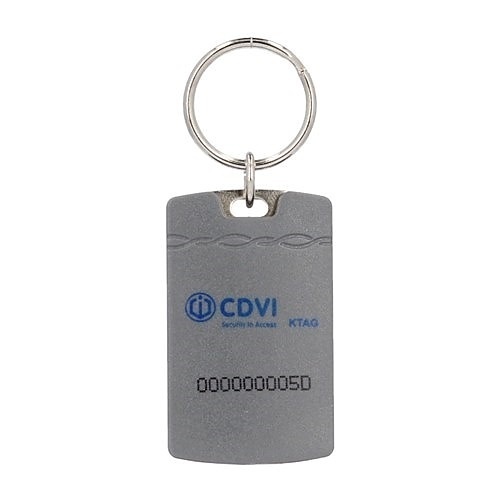
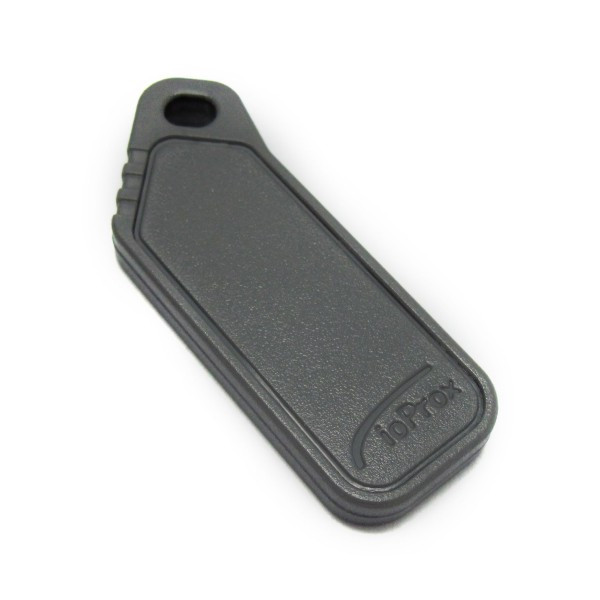
Direct compatibility answer
Will this credential work with your building?
Confirm XSF or 26-bit ordering format, facility code and assigned credential range.
A matching model name does not guarantee a working credential. Secure systems can use different receiver generations, facility codes, card formats, encryption keys or pre-programmed number ranges inside visually identical housings.
Details to confirm
BrandKantech
Model / MPNP40KEY
Technology125 kHz ioProx · format-dependent
Typical supplyProgrammed building batches
How WeTech handles replacement credentials
- 01
Confirm the installed system
We verify the receiver or reader model, the active credential technology and available programming access.
- 02
Match the required data
Where applicable, we confirm facility code, bit format, serial-number range, button functions and integrated tag type.
- 03
Supply and register
Each credential is assigned to an authorized user, unit, employee or vehicle and tested against the intended entrance.