
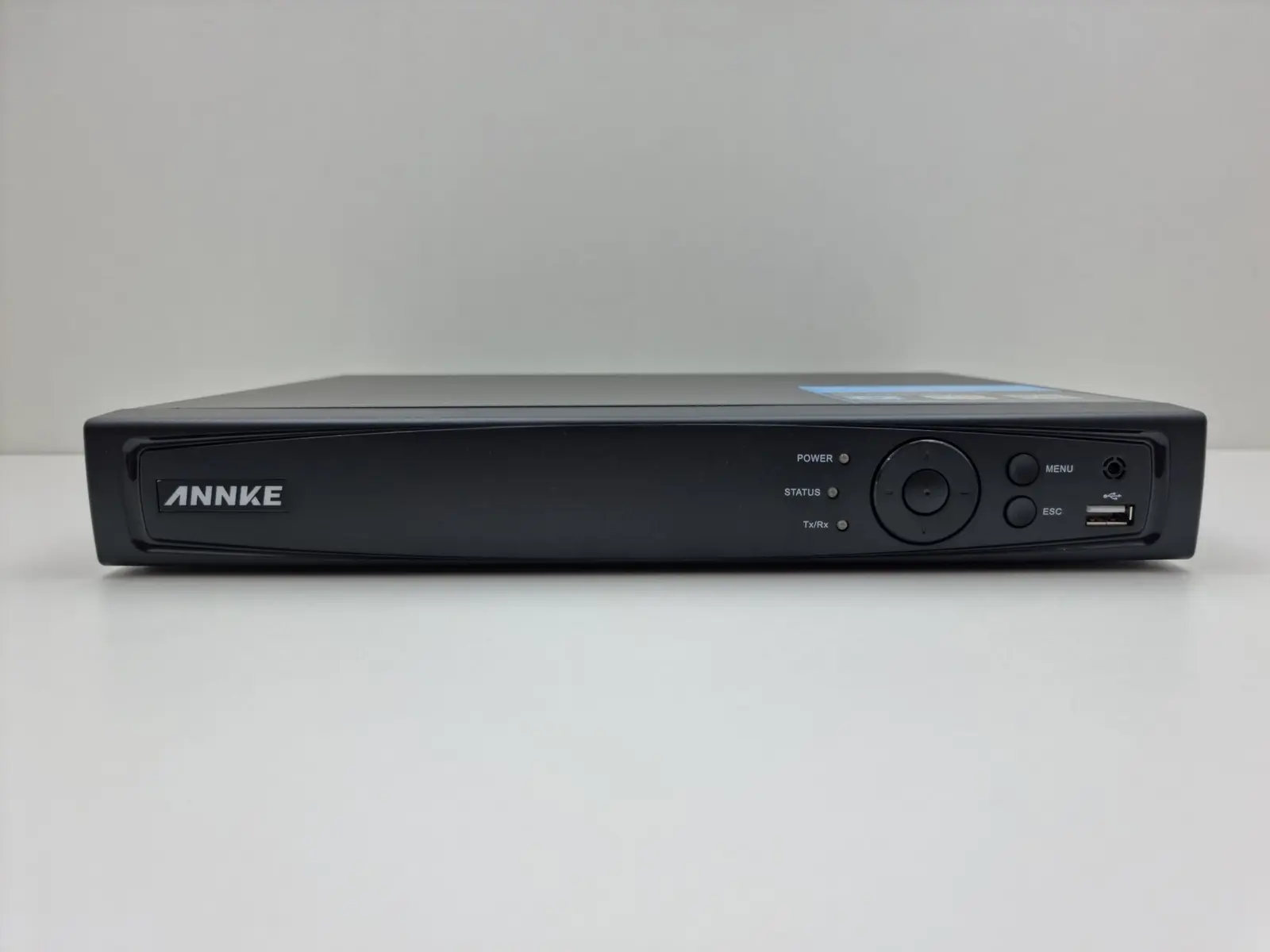
The incident happened Tuesday night. On Wednesday morning, the property manager opens the camera app and sees every lobby and parkade camera online. Relief—until playback shows a missing hard drive, a wrong date, or only two days of footage when the team expected thirty.
Live view is not proof of recording. It only proves that a picture can reach the screen right now.
Direct answer
The short answer
A live camera picture does not prove the system is recording. A proper CCTV health check confirms playback, retention, hard-drive status, camera timestamps, image quality, export capability, alerts, user access and network security. The best test is simple: pick a past time, find the event and export a usable clip.
The five-minute evidence test
Choose a camera and a known event from several days ago—someone entering the lobby, a delivery arriving or a vehicle passing the gate. Search for the event, play it through, confirm the timestamp and export a short clip to an authorized device. Then open the exported file on another computer.
If that workflow is slow, confusing or unsuccessful during a quiet afternoon, it will not improve when council, police, an insurer or a resident is waiting for evidence.
Eight things a CCTV maintenance visit should verify
- Playback exists for every critical camera—not only the cameras visible on the live screen.
- Retention matches the building’s approved requirement and actual storage capacity. Higher resolution, frame rate and motion activity can shorten retention.
- Hard drives report healthy status and recording is not silently failing because of disk errors, overheating or a full storage array.
- Camera and recorder clocks agree. Incorrect time zones, daylight-saving settings or failed time synchronization can make evidence difficult to use.
- Night images are usable. Dirty domes, infrared reflection, spider webs, glare and poor lighting often appear only after dark.
- Exports work in a practical format and authorized staff know the procedure without sharing administrator passwords.
- Offline-camera, disk-failure and tamper alerts reach a real person—and the contact information is current.
- Firmware, passwords, remote access and network separation follow the building’s cybersecurity plan.
How much retention does a building need?
There is no single magic number for every property. Retention should follow the building’s documented purpose, incident-reporting timeline, privacy obligations, camera count, resolution and budget. Keeping footage forever is not automatically safer; it can increase privacy exposure and storage cost. Keeping too little can make the system useless when an incident is reported late.
The correct approach is to decide the purpose first, set an appropriate retention period, calculate storage for real camera settings, and test the oldest available recording. If policy says the system retains a certain period, the hardware should be verified against that promise.
Small problems that quietly destroy video quality
- A dome cover cleaned with the wrong product, leaving scratches or haze.
- A camera moved a few degrees after maintenance or construction.
- Trees, signage, seasonal decorations or parked vehicles blocking the intended scene.
- Bright headlights or glass reflections washing out faces at night.
- Bitrate or frame-rate settings lowered to stretch storage without a real evidence test.
- Old shared passwords and departed staff accounts still active.
- A recorder hidden in a hot, dusty cabinet with no airflow or documented backup.
A maintenance schedule property managers can actually use
For strata and commercial properties in Vancouver, Surrey, Burnaby, Richmond, Delta, Langley, Coquitlam, New Westminster, White Rock and across the Lower Mainland, a documented health check can extend the useful life of a good system—and reveal when replacement is the more responsible option.
- Monthly: spot-check playback, offline alerts and the oldest available recording.
- Quarterly: inspect image quality by day and night, confirm exports, review user accounts and test critical cameras.
- After any incident or system change: verify recording, time, alerts and retention again.
- Annually: complete a documented camera/NVR health review, firmware check, storage calculation and cybersecurity review.
Frequently asked questions
Questions property teams ask
Why can I see live video but no playback?+
Common causes include failed or uninitialized storage, a recording schedule error, camera-channel changes, database problems, incorrect time settings or a recorder that stopped writing without a useful alert.
How often should a strata test CCTV recordings?+
A monthly playback spot-check is practical for many buildings, with deeper quarterly and annual reviews. Critical or high-risk properties may need more frequent checks.
Does a bigger hard drive always mean longer retention?+
Only if the recorder supports it and the drive is healthy. Camera count, resolution, codec, frame rate, bitrate and motion activity all affect retention.
Should every property manager have the administrator password?+
No. Use named accounts and least privilege. Keep emergency administrator access controlled and documented rather than sharing one password widely.
Can old analog cameras be kept during an upgrade?+
Sometimes. Hybrid migration can preserve useful cameras while recorders, storage or priority locations are upgraded, but image quality and compatibility should be assessed.
Sources & further reading
Primary references
Do not wait for the next incident to test playback.
WeTech can review cameras, recorder storage, retention, exports and remote access—and leave your team with a clear findings list.
Request a Site Visit