
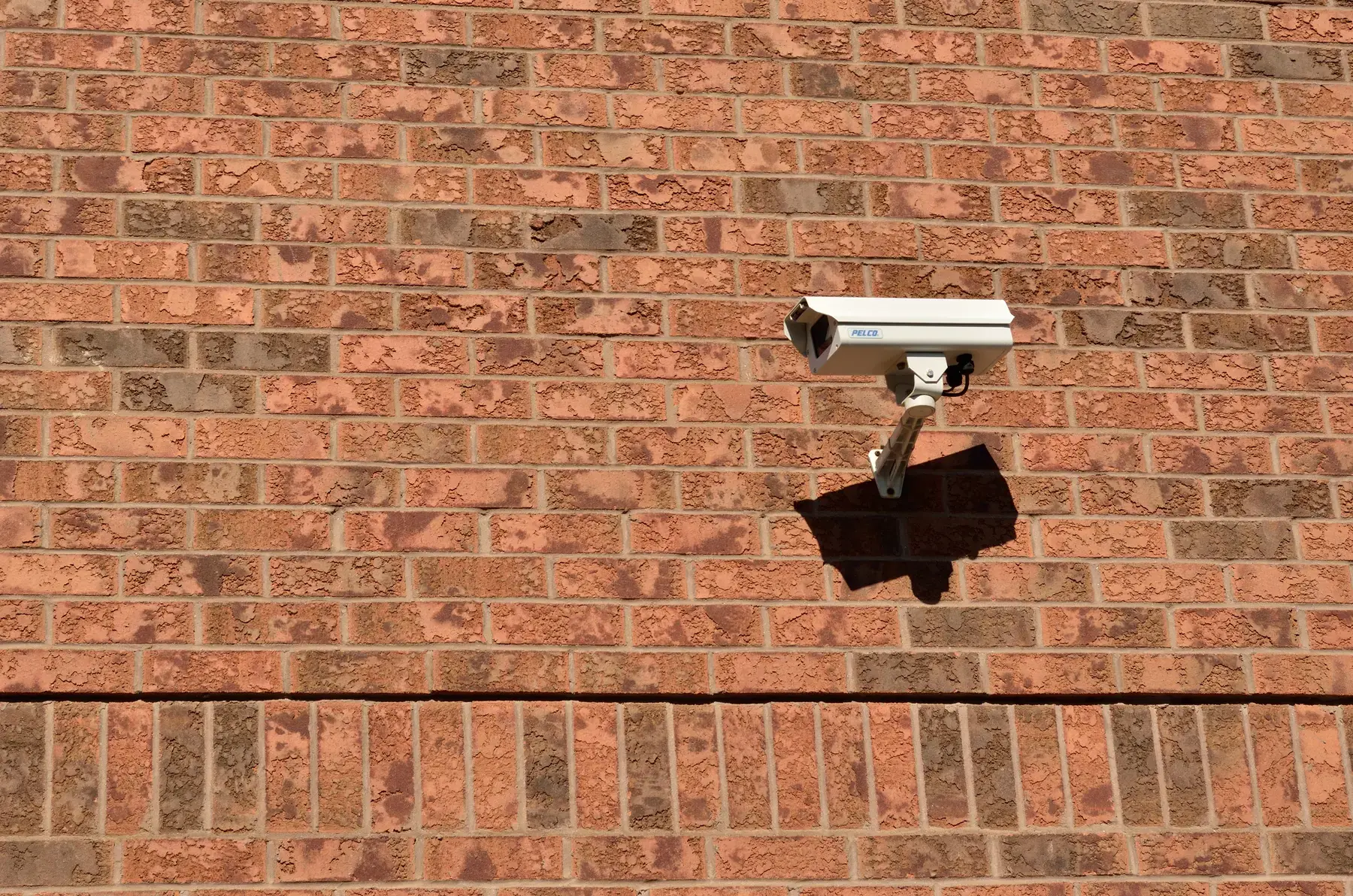
Security cameras are meant to reduce risk. But once a camera, NVR or intercom is connected to a network, it also becomes a small computer—and small computers need updates, strong configuration and ongoing ownership.
That reality returned to the spotlight through official Dahua product-security notices in 2025 and 2026. For Vancouver and Lower Mainland strata properties, the useful response is not panic or immediate brand replacement. It is a documented audit.
Direct answer
The short answer
Dahua has published multiple advisories covering selected cameras, recorders, intercoms and related products. This does not mean every Dahua device was hacked. It does mean owners should identify exact models and firmware, install vendor updates, reduce internet exposure, strengthen credentials and verify the system is still recording correctly.
What did Dahua disclose?
On June 10, 2026, Dahua published advisory DHCC-SA-202606-001 for three vulnerabilities affecting selected product families. The most serious listed issue, CVE-2026-29116, was scored 8.7 and could allow an unauthenticated remote attacker to send a specially crafted packet that causes affected equipment to reboot, creating a denial-of-service condition. The advisory listed certain IPC, speed-dome, NVR, XVR, EVS, video intercom, access-control and thermal product lines, with affected build dates varying by family.
Dahua also published earlier notices concerning selected NVR/XVR physical-access behaviour in March 2026, buffer-overflow vulnerabilities in certain embedded products in July 2025, and an October 2025 access-control issue involving selected products and credentials. The exact model, firmware version and build date matter in every case.
The seven checks your building should complete
- Build an inventory. Record every camera, NVR, XVR, intercom and access device by manufacturer, model, serial number, firmware version, build date and physical location.
- Match—not guess. Compare exact models and firmware against the vendor’s advisory. A brand name alone is not enough to determine exposure.
- Update from an approved source. Back up configuration where appropriate, follow the vendor’s instructions, and verify the system after the firmware change.
- Remove easy entry points. Change default or shared administrator passwords, delete unused accounts, disable unnecessary services and review whether UPnP or direct port forwarding is enabled.
- Separate the camera network. Place cameras and recorders on a purpose-designed VLAN or isolated network so a camera problem is less likely to become a whole-building IT problem.
- Protect remote access. Prefer managed VPN or vendor-supported secure access, enable multi-factor authentication where available, and limit administrator privileges.
- Prove the system works. Confirm live view, playback, event search, time synchronization, storage health and the oldest available recording after every major update.
Why UPnP deserves special attention
Universal Plug and Play can make devices easier to connect, but it can also create unwanted exposure. The Canadian Centre for Cyber Security recommends disabling UPnP on perimeter devices unless a reviewed business requirement depends on it. For a strata network, convenience should not quietly punch a hole through the firewall.
Do you need to replace every Dahua device?
Not automatically. A rational decision considers whether the exact device is affected, whether a supported patch exists, whether the product is still within its service life, and whether the building can operate it securely. Replacement becomes more urgent when equipment is end-of-life, cannot receive security updates, uses obsolete encryption, has unreliable storage, or must remain directly exposed to the internet.
Turn a one-time patch into a maintenance habit
The larger lesson applies to every manufacturer. Strata camera systems often run for years after installation while passwords, firmware, remote-access methods and staff responsibilities change. Assign an owner, keep the asset list current, review vendor advisories, schedule recording tests and document who can access footage.
WeTech Security Solutions can assess camera and recorder systems across Vancouver, Burnaby, Surrey, Richmond, New Westminster, Coquitlam, Delta, Langley, White Rock and the Lower Mainland. The objective is straightforward: know what you have, know what is exposed, update what is affected and verify the evidence is there when your building needs it.
Frequently asked questions
Questions property teams ask
Were all Dahua cameras hacked?+
No. Official advisories describe vulnerabilities in selected models and versions. They do not establish that every Dahua camera—or every affected device—was compromised.
What is the first thing a property manager should check?+
Start with an accurate inventory of model numbers, firmware versions, build dates and remote-access methods. Without that list, you cannot reliably match the system to an advisory.
Is changing the password enough?+
No. Strong unique passwords are essential, but firmware updates, network isolation, reduced internet exposure, account review and recording verification are also important.
Can WeTech assess a system installed by another company?+
WeTech can be asked to perform a site and compatibility assessment. Access credentials, vendor support status and the condition of existing wiring and equipment will affect the work.
Should a strata council publish camera passwords or network details in meeting minutes?+
No. Councils can document decisions and responsibilities without exposing credentials, public IP addresses or other sensitive technical details.
Sources & further reading
Primary references
Not sure which cameras or firmware your building has?
Ask for a vendor-neutral CCTV and network-exposure review before a small maintenance gap becomes a larger problem.
Request a Site Assessment